Workspace
Local models, APIs, documents, Labs, CLI, and visual pipelines share one runtime layer.
Comparison - v0.3.7
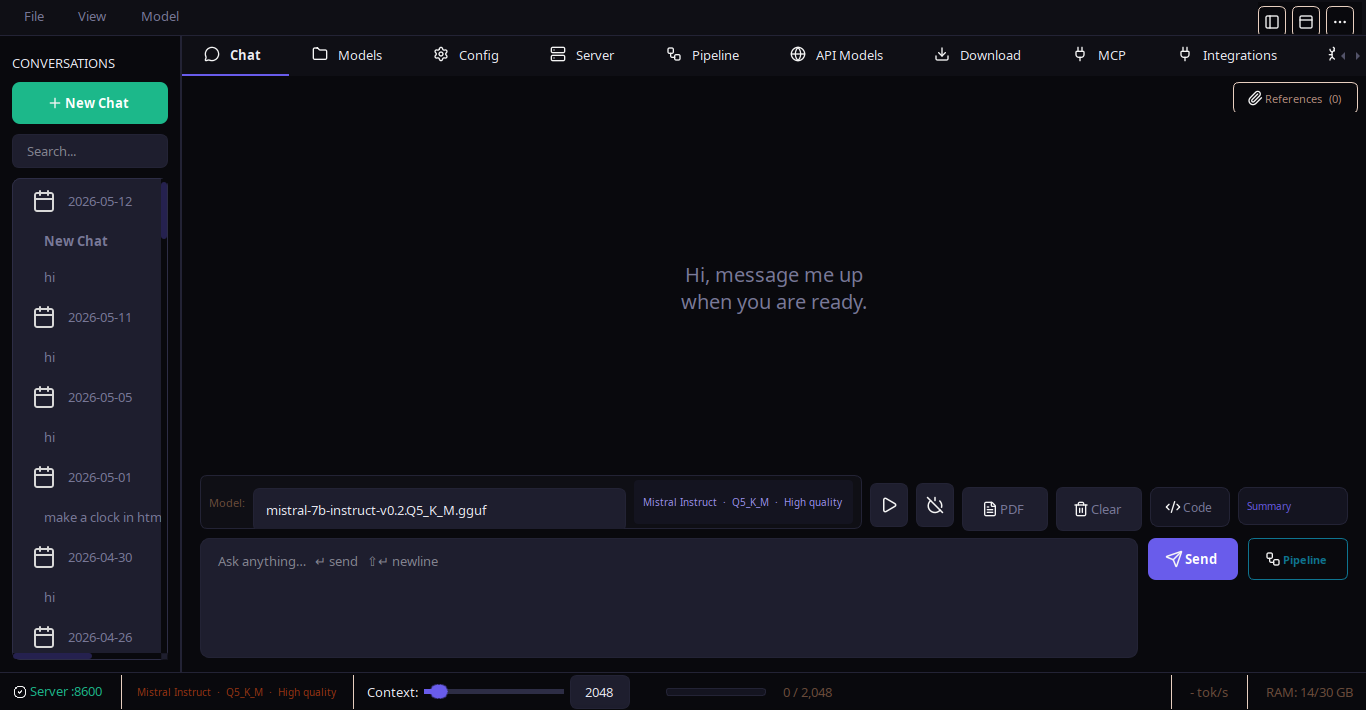
NativeLab is not only a model launcher. It combines local chat, document workflows, runtime controls, CLI access, Labs, and a visual pipeline system with AI-assisted pipeline creation.
Positioning
Local models, APIs, documents, Labs, CLI, and visual pipelines share one runtime layer.
Strong local model discovery, chat, and server controls for GGUF workflows.
Good document workspace and integrations, usually centered on knowledge bases.
Open local chat app with model management and a simpler workflow surface.
Beginner-friendly local chat and model downloads with a narrower automation layer.
Matrix
| Capability | NativeLab | LM Studio | AnythingLLM | Jan | GPT4All |
|---|---|---|---|---|---|
| Open source local-first desktop | Yes | Partial | Yes | Yes | Yes |
| GUI and CLI surfaces | Yes | No | Partial | No | No |
| Visual pipeline builder | Yes | No | Limited | No | No |
| AI-assisted pipeline builder | Yes | No | No | No | No |
| LLM, logic, file, and context pipeline blocks | Yes | No | Partial | No | No |
| Shared runtime for chat, docs, Labs, and pipelines | Yes | Partial | Partial | Partial | Partial |
| Hugging Face snapshot downloads and dependency installer | Yes | Partial | Partial | No | No |
| llama.cpp, HF Transformers, Ollama, and API profiles | Yes | Mostly local/API | Yes | Local/API | Local only |
| Centralized context and engine error handling | Yes | Partial | Partial | Partial | Partial |
| C/Rust helper path for pipeline graph operations | Yes | No | No | No | No |
Backends
Every backend shares the same model selection layer, so chat, Labs, pipelines, and CLI status stay consistent.
NativeLab downloads or reuses llama.cpp, stores binaries under llama/bin/, and keeps downloaded models under localllm/. CUDA, Vulkan, ROCm, Metal, and CPU-only paths are selected according to detected hardware.
The Hugging Face downloader supports snapshot downloads, resume controls, gated-repo tokens, and an in-app library installer for users who started with only the base NativeLab package.
Existing Ollama daemons and cloud providers are registered as model entries, so chat, Labs, pipelines, and CLI status use the same model selection layer.
Best fit
NativeLab is strongest when a user needs to inspect model state, manage local runtimes, build repeatable workflows, and keep chat, documents, and pipeline execution inside one app.
LM Studio and similar launchers may be simpler.
NativeLab adds graph editing, validation, native helpers, and AI-assisted pipeline generation.
The CLI, Labs, plugin surface, and local-first files make NativeLab easier to inspect and extend.